For parents
Along for the ride – and able to brake
Link your account to your child's, see the clips your child posts and keep track of the team calendar. You can pause the account, answer tryout applications if your child is under 15 and ask us to delete the account. The parent role is free, and children aged 13 to 17 start with a private account.
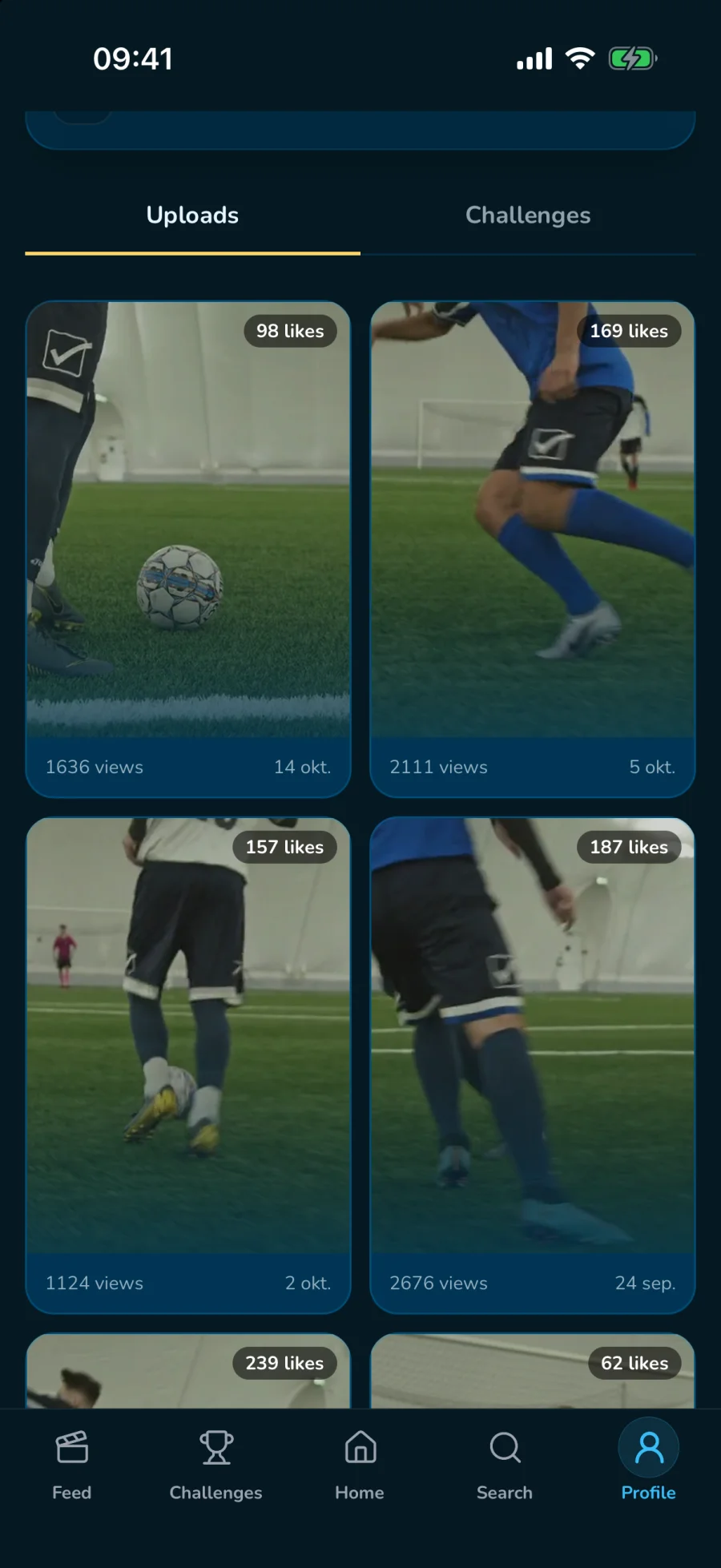
It is hard to know what goes on in a child's app
Three fair questions to ask before your child posts anything.
Who sees the clips?
A profile that is open from the start is visible to everyone before anyone has had time to think. For a fourteen-year-old that is the wrong way round.
Who gets in touch?
Scouts and coaches want to reach players. As a parent it is hard to know who is who, and which ways in they have.
What do you do when a break is needed?
An account that can only be deleted entirely or not at all leaves no middle ground when school, sleep or something else needs to come first.
Day to day
Know what's happening without searching
Time, place and answers for all your children – in the same app as the clips.
All your children in one calendar
Trainings and matches for every team your children play on, in one place. With two or more children you filter to one at a time. When a child leaves a team, that team's events disappear from your calendar on their own.
A notification means something changed
A reminder before every training and match, and a notification when the time or place changes or something is cancelled. Small edits to the description send nothing. With children on several teams you can mute one of them – changes, cancellations and squad picks still come through.
Answer for your child in seconds
Say yes or no on your child's behalf. If the coach set an answer deadline you see it, and if nobody has answered in time you get a reminder with your child's name.
Both parents, the same overview
Two guardians can be linked to the same child and get the same calendar and the same reminders. Nobody has to forward anything to the other.
Rides and volunteer duties
On away matches you see who has seats and who needs a ride, and can offer seats or ask for a ride for your child. If the coach has added kiosk, snacks or laundry, you take a slot with one tap and get a reminder the evening before.
No ads, no paid tier
The calendar and call-ups are shown without ads, and the parent role costs nothing – including seeing the schedule.
Signed in until you sign out
Sign in with Apple, Google, email or mobile number once. The app doesn't ask for your password again when you're standing by the pitch.
Getting started
Four steps, and your child is part of every one
None of this can be done behind your child's back. The link needs both of you to say yes.
Create a parent account
Download the app and choose the parent role. It costs nothing, and there is no paid tier.
Link up
Find your child under My children and send a request, or let your child send one to you. The other person approves, and only then are you linked. Both parents can be linked to the same child.
Follow the clips and the calendar
Under My children in the feed you see the clips your child posts, even if the profile is private. If your child is on a team you see its training sessions and matches, and can accept or decline on their behalf.
Say yes or no when it matters
If a child under 15 applies for a trial, the application comes to you first. And when it is needed, you can pause the account or ask us to delete it.
Free
What you can do as a parent
Everything below is included. The parent role has no paid tier.
Link your accounts
You or your child sends a request, and the other approves. Two parents can be linked to the same child, and each of you can use everything below.
Your child's clips in a feed of their own
In the feed you have a tab called My children. It holds the clips your linked children post, in every sport and even when the profile is private.
The team calendar
Training sessions and matches for the teams your child plays on, with what to bring, reminders and notifications when something changes or is cancelled. Once the squad is picked the event says so, with your child's name if they're in it. With more than one child you can filter the calendar by child, and add one child's schedule to your phone's calendar – a link you can also share with grandparents.
Your child's playing time
Under My children you see your child's own season: matches, minutes and the share of the possible playing time they've had – the same figures your child sees. You don't see teammates' figures. They come from the coach's match report.
Answer call-ups for your child
Accept or decline on your child's behalf. The coach sees the answer under your child's name, not yours.
Trials under 15
A child under 15 can only apply for a trial with a linked parent, and the application waits for your answer. If you say yes, it reaches the coach a day later. If you say no, the coach never sees it.
Pause the account
For a day, a week or a month. While it is paused the app does not work for your child, and your child sees that the account is paused and for how long. You can lift the pause early, and shortly before it ends you get a notification. Nothing is deleted.
Request deletion
The account is paused for 30 days and then permanently deleted. Your child is notified, and you can change your mind at any point during that period.
A guide in the app
A tab of its own for parents: how to film so the clips are useful, what makes a child findable, how to support without coaching from the stands, and where the controls are.
Contact requests to your child
If your child is under 18 and a scout or coach sends them a contact request, you get a notification with the sender's name, role and organisation – never the message. Your child answers it. If your child shares their email or mobile number, you learn what and with whom. If your child shares nothing, we ask you under My children → Contact whether you want to share yours.
Privacy
Your child starts private
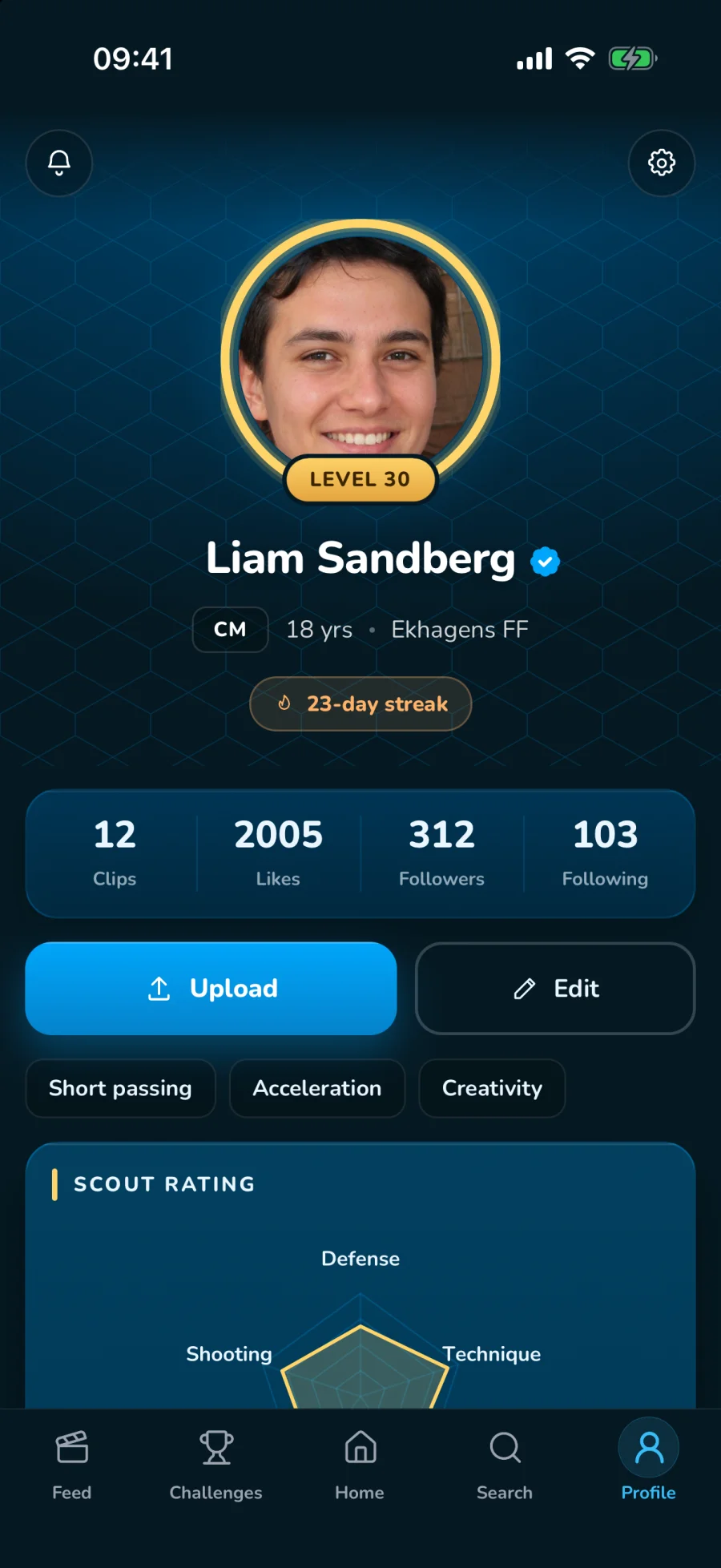
Breakout is used from age 13. If your child is between 13 and 17, the account starts private and invisible to scouts and to coaches outside your child's teams. Not as a setting you have to go looking for, but as the starting point. Your child switches visibility on when they want to, and can switch it off again just as easily. A coach who wants to invite your child to their team can only find them by typing their first and last name.
It is built that way on purpose. A profile that sits open until somebody actively closes it puts the burden on the wrong person.
- Town and region never appear on the profile and cannot be searched for. If your child has a public profile, the app can show them as a player nearby to someone in the same town or region.
- If your child is under 18, a shared clip link opens no web page – it answers that the page does not exist.
- Only scouts and coaches we have verified can send a contact request. Your child answers it, and you get a notification saying who asked. There are no direct messages in the app.
- You cannot read your child's messages or post in their name. Answering a call-up on your child's behalf does not give you access to the team chat.
- Your child can switch ratings off completely. With them off, nobody can rate them.
What the parent role does not do
Seven things worth knowing before you link up, so nobody is caught by surprise:
- You do not control your child's settings. Whether the profile is private, whether it is visible to scouts and coaches, and whether ratings are on is up to your child. You can show them where the settings are, but you cannot change them.
- The link rests on both of you saying yes, and your child can remove it at any time – just as you can.
- We do not check that you are a parent, for example with BankID. The link stands because your child approved it or sent the request themselves.
- Your child does not need your consent to create an account. The exception is trials: if your child is under 15, every application needs your approval.
- A pause closes the app for your child, but does not hide the profile or the clips from others. If you want less to be visible, your child's own settings are what count.
- You do not upload clips for your child. Uploads are made from your child's own account – send them the video and they post it.
- You cannot answer a contact request for your child or stop it. Your child can share their own email or mobile number without your approval – you learn what was shared, but afterwards.
And one more thing: the parent role is free in full. There is no paid tier, and nothing on this page requires you to buy anything.
Frequently asked questions
Nothing. The parent role is free in full, and there is no paid tier for parents.
At least 13. If your child is under 18, the account is private and invisible to scouts and to coaches outside their teams until your child chooses otherwise. We do not require a guardian's consent for your child to create the account, but it is worth going through the settings together.
Yes, if you are the one asking – and you approve if your child is the one asking. If someone says no, the same person has to wait seven days before asking again. You cannot use the same email address for both accounts, and both you and your child can remove the link at any time.
You choose a day, a week or a month. Meanwhile the app does not work for your child, who gets a notification and sees how long the pause lasts. Your child stays signed in, so the app works again the moment the pause ends. You can lift it early, and shortly before it ends you get a notification. Nothing is deleted, and the profile and clips stay visible to others as usual.
Your child can only apply with a linked parent. The application waits under My children → Tryouts, and every linked parent is notified. If you approve, your child is told, and the coach sees the application a day later, together with your name and email address. If you decline, your child is told and the coach never sees the application.
No. There are no direct messages in the app, and you have no access to the team chat around a training session or match. You cannot post in your child's name either. What you see is the clips, the teams, the calendar and your child's own playing time.
A contact request can only be sent by scouts and coaches we have verified. If your child is under 18, you get a notification with the sender's name, role and organisation, but not the message. Your child answers it and, on a yes, chooses whether the sender sees their email, mobile number, both or neither. If your child shares something, you learn what; if they share nothing, we ask whether you want to share yours. If the profile is public, scouts and coaches can also like and comment on the clips, just like anyone else.
Yes. You request deletion under My children. The account is paused for 30 days and then permanently deleted, along with clips and profile. Your child is notified, and you can change your mind during those 30 days.
Guides
Guides for parents
Download the app and link up
Create a parent account, find your child under My children and send a request. Once your child has approved it, you are in.