For players
Be seen by more than whoever happens to be on the touchline
Upload your clips, tag them so somebody looking can actually find them, and see how many have viewed you. Teams, calendar and call-ups live in the same app. Breakout is used from age 13, and as a young player everything you post is private until you decide otherwise.
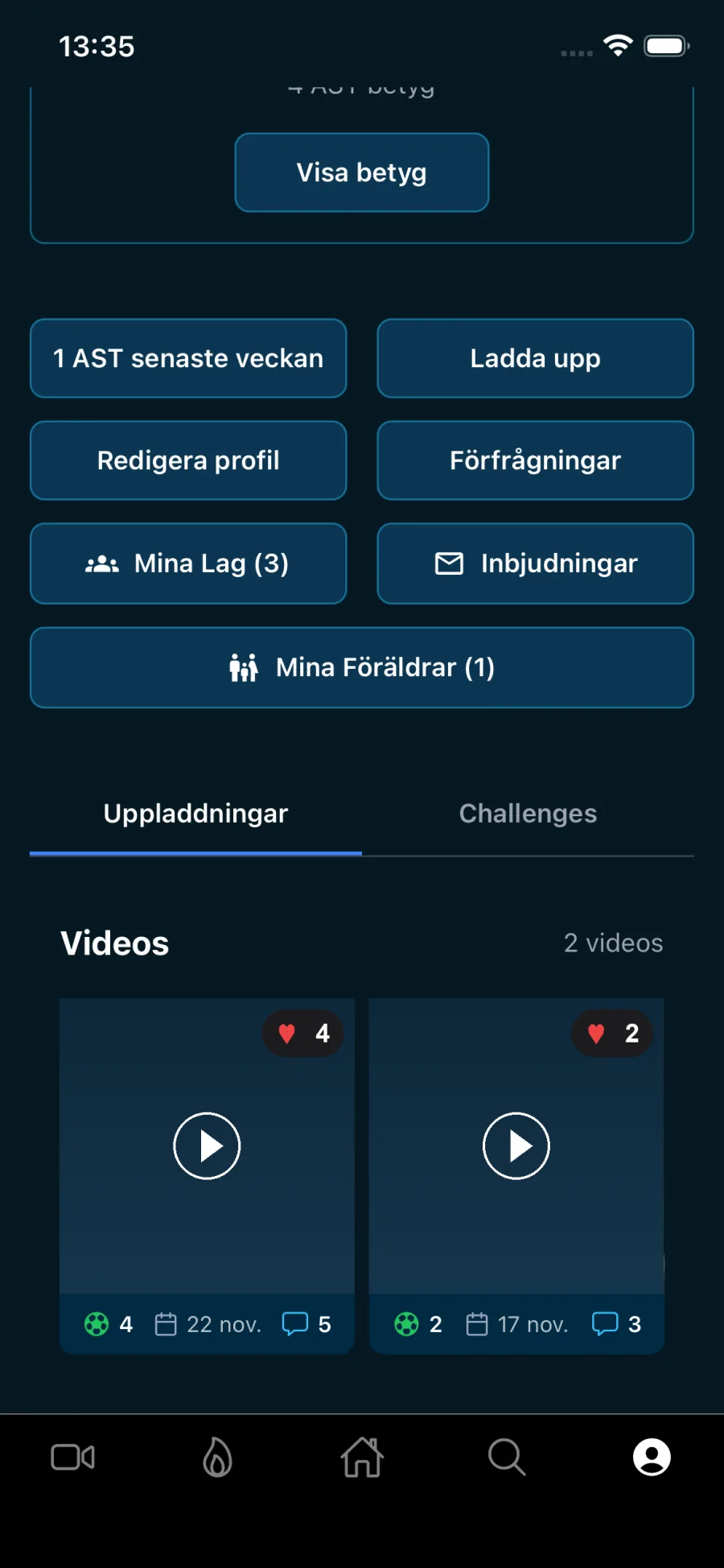
Talent should not be limited by division
Three things cause good players to be missed. None of them is about how good they are.
The matches are played with nobody watching
In lower divisions there is rarely a scout on the touchline. Your best match may well be the one nobody outside the team saw.
There is nowhere to show yourself
The clips stay on your phone, or in a story that is gone within a day. Nobody looking for a player is going to find them there.
You never find out whether anyone watched
Even when something does move forward, feedback rarely follows. You do not know what worked, and you do not know who saw it.
How it works
Four steps, and the first takes a couple of minutes
Most of the work sits in step three. It is also what decides whether you get found.
Build your profile
Position, club, league, shirt number, height, stronger foot, strengths and weaknesses. Every field you fill in is one more filter you can turn up in when somebody searches.
Upload a clip
Pick from your camera roll, trim off the run-up and choose a cover frame. 90 seconds maximum — roughly as long as anyone will watch anyway. Three clips a day are included free.
Tag it so you get found
Set clip type, moment, position, phase of play and match context. The tags are what make a scout searching for a full-back finishing in youth football turn up your clip. An untagged clip shows in the feeds, but drops out as soon as somebody searches on tags.
Follow what happens
Views, likes, scout likes and new followers, with the change against the previous period. You see which clips are doing well and which tags are pulling.
Free
What you get without paying
Everything below is included. What premium adds is further down the page.
Your feed
Three views: the people you follow, the latest, and what is performing right now. Like, comment and follow other players — and get followed back.
Three clips a day
Upload, trim and tag. Every clip is screened automatically before it goes live, so the feed stays clean.
Challenge of the month
Submit an entry and follow the leaderboard. Points come from views, likes, scout likes and how many different people commented. Finish in the top three and your profile carries a medal everyone can see. You need a public profile to compete. Most challenges are open to everyone; a few are marked premium.
XP, levels and badges
A hundred levels and close to sixty awards. You earn XP for uploads, for the likes you receive, considerably more for a scout like — and for a scout visiting your profile. There is a leaderboard per sport.
Teams and calendar
Call-ups you answer with a reason when you cannot make it, squad selection before a match, a chat per event so Sunday's questions land in the right place, and the whole calendar subscribable from your phone's own calendar app.
Ratings in five parts
Coaches and scouts can rate defending, passing, strength, shooting and technique. You can ask somebody you follow for one — and switch ratings off entirely if you would rather not have them.
Your season
Matches, minutes, goals and assists, and how much of the team's playing time has been yours. The numbers come from your coach's match report — if they have not filled it in, it stays empty.
Training log and wellbeing
Log the session with how hard it felt, and answer a short morning check-in about sleep, energy, soreness, mood and stress. The check-in is optional, and you decide, team by team, whether your coach sees nothing, just a colour, or the colour and the numbers. Your coach always sees your weekly load, but never which sessions you did on your own.
Privacy
You decide who sees you
Breakout is used from age 13. If you are between 13 and 17 your account starts private and invisible to scouts and to coaches outside your teams. Not as a setting you have to go looking for, but as the starting point. You switch visibility on yourself when you want to, and can switch it off again just as easily. A coach who wants to invite you to their team can only find you by typing your first and last name, and you decide whether to accept.
It is built that way on purpose. A profile that sits open until somebody actively closes it puts the burden on the wrong person.
- Your town and region never appear on your profile and cannot be searched for. With a public profile, the app can show you as a player nearby to someone in the same town or region.
- If you are under 18, a shared clip link opens no web page – it answers that the page does not exist. In the app, only people who can already see your clips can open it.
- You see how many scouts and coaches have visited your profile, and when a scout starts watching you, you get a notification with their name. Who visited your profile is part of premium.
- A parent can, if you approve it, link their account to yours and then pause it, approve or decline trials if you are under 15, and ask us to delete it. They cannot read your messages.
- You can switch ratings off completely. With them off, nobody can rate you.
What Breakout does not do
Four things worth knowing before you download, so you do not go looking for them:
- Match statistics come from your coach, not from us. If they have reported the match you see your minutes, goals and assists under Matches — otherwise it stays empty. We pull no numbers from leagues or tables, and you cannot fill them in yourself.
- The club you play for is something you type in yourself. We do not check it against the federation, so it is not proof of anything.
- There is no recording inside the app. You pick clips from your camera roll — film with whatever you like, a phone on a tripod goes a long way.
- There is no chat between you and a scout. If you say yes to a contact request, the scout learns you are open to contact — your contact details are never handed over, and the app opens no channel.
And one more, which is easy to assume the opposite of: premium does not make you more visible. Where you land in feeds and searches is never decided by whether you pay.
Common questions
You get a long way free: profile, three clips a day, the free challenges, XP and levels, teams and calendar, and ratings. Premium unlocks unlimited uploads and the full statistics — including the names of the scouts who visited your profile.
At least 13. If you are under 18 your account is private and invisible to scouts and to coaches outside your teams until you choose otherwise. We do not require a guardian's consent for you to create the account, but use the app with your parents' knowledge — and go through the settings together.
No. The subscription is not part of the calculation anywhere. Following and Latest run in time order, and Popular ranks on a trend score from views, likes, scout likes, comments, new followers and profile visits, with the most recent counting the most. Searches show the newest first. What premium gives you is that you see more, not that others see more of you.
The whole picture, not just the highlights. Goals and dribbles say less about you as a player than how you move when you do not have the ball — how you transition, how you defend, how you chase back when you have lost it. Post several clips showing different parts of your game rather than one with your five best moments. Whoever is watching is looking for a player, not for a showreel. Always tag clip type, moment and position — the tags are what make you turn up when somebody searches.
Only scouts and coaches, and only ones we have verified by hand. They send a request you can decline. If you say yes, they learn you are open to contact — but we never hand over your email or phone number, and there is no chat between you inside the app.
You delete the account in the app or through the form here on the website. Deletion happens 30 days after you request it, and until then you can change your mind. Clips, profile and associated data go with it. If you just want to be seen less, make the account private and switch off Visible to scouts and coaches.
Three things matter, in this order. Fill in your profile — every field is one more filter you can turn up in when somebody searches. Tag every clip with its type, moment and position, because tags are what a scout searches on. And switch on visibility to scouts in settings; if you are under 18 it is off to begin with.
You always see how many scouts and coaches have visited, and when a scout starts watching you, you get a notification with their name. Who visited — and how many times each of them came back — is part of premium, under Audience in your statistics.
Guides
Guides for players and parents
Download and post your first clip
The profile takes a few minutes. Pick a clip you are happy with, tag it properly, and see what happens in the first week.