For coaches
Everything around the team in one place
Call-ups, attendance, squad selection and team information in the same app your players already use. If something is missing, we want to hear it — we build this close to the coaches who use it, so it helps in everyday life instead of becoming one more system.
Already have an account? Sign in on the web
What coaches tell us
Three things keep coming up, and none of them is about football.
The evenings go on everything but the team
The call-up in a chat, attendance in a spreadsheet, the squad in a third message. It is not the work with the players that takes the time — it is everything around it.
Nobody quite knows what is happening on Sunday
The question about time and place arrives five times in four different threads. Whoever answered once gets to answer again, and somebody still misses it.
What you know about a player stays with you
You know who has taken a step, who needs something different, and who is on their way somewhere. When you stop, that knowledge walks out with you.
Step by step
How you work in Breakout
Four steps from an empty team to a season that runs itself.
Create your team
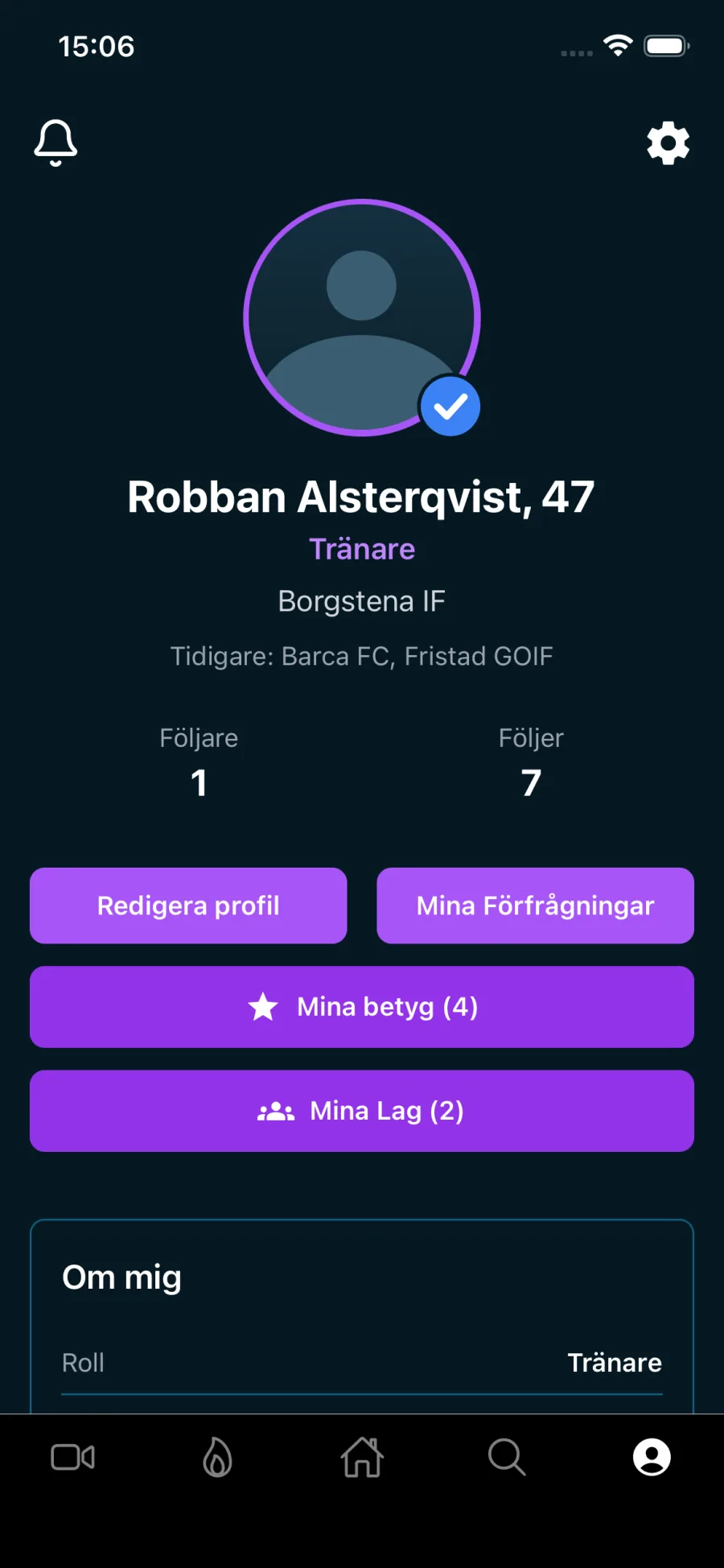
You set up the team with a name and a description. Assistant coaches can handle nearly everything you can — calendar, call-ups, selections and player invitations. Deleting the team, making it private, inviting other coaches and handing the team over are yours alone.
Invite players and parents
You search for the player or parent and send an invitation. For children without their own account you can add a placeholder, so the squad list is complete anyway.
Set up the season
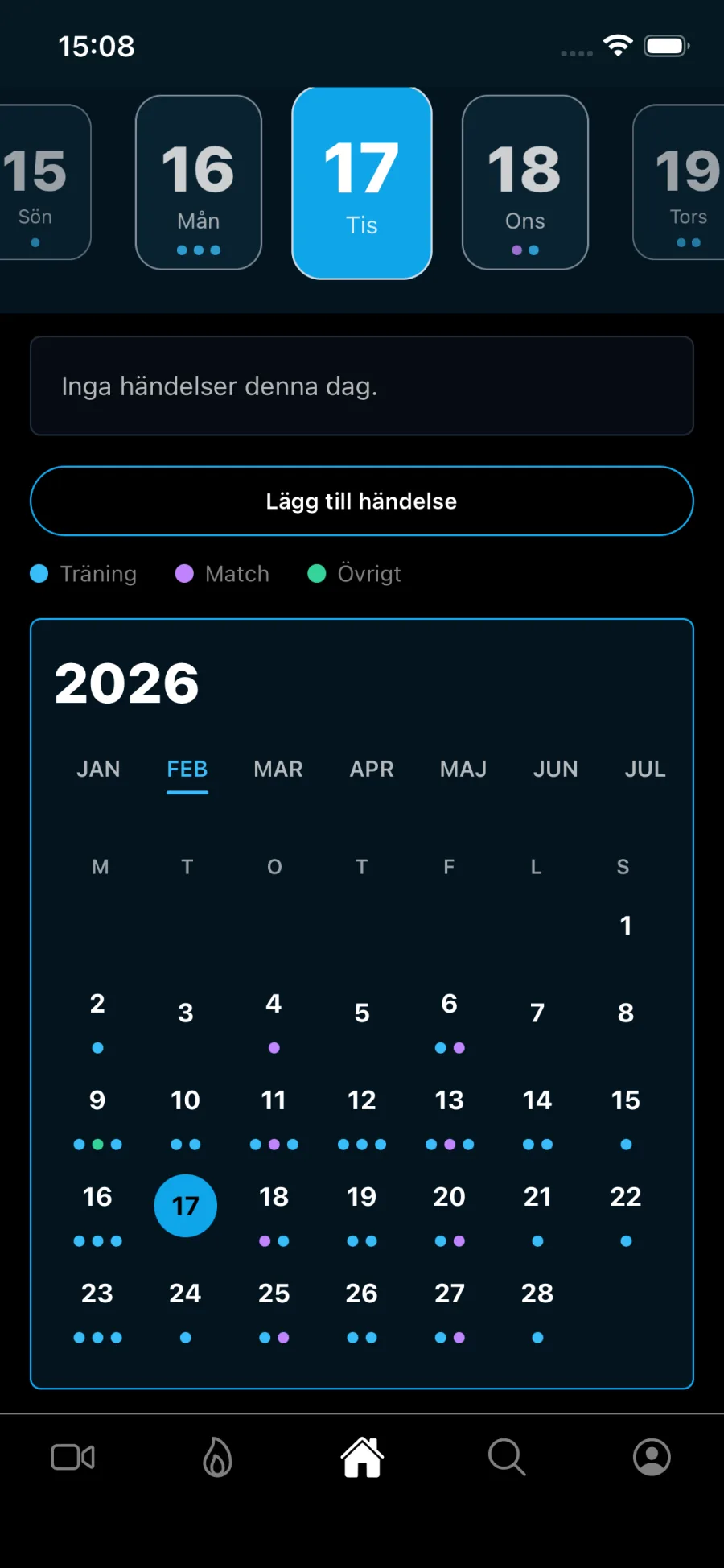
Training sessions and matches in the team calendar. Players answer the call-up, and can choose to give a reason when they cannot make it. Ill and injured are health data: the player has to tick that it may be shared, and can always skip the question.
Pick the squad and keep the thread
Squad selection for the match, and a chat attached to that specific event for those who said yes, so questions about Sunday's game don't drown in a general group chat.
Available today
The tools you have
Calendar and call-ups
Training sessions and matches in the team calendar, with responses from players and a reason for absence. Can be subscribed to from your phone's own calendar. The team gets a reminder before every event, and a notification when the time or place changes or something is cancelled.
Team, assistant coaches and parents
Invite players, parents and fellow coaches. Ownership can be handed to an assistant coach if you leave.
Squad selection
Pick the squad before the match and send it to those selected with a notification. Those left out get no message in the app — that conversation is yours to have, which is how it should be.
Event chat
One thread per event for those who said yes, so what applies to that specific match lives where it belongs.
Player ratings
Rate players across five areas, for players who accept ratings and who play in your teams – or, if they are private and outside your teams, have approved you as a follower or chosen to be visible to coaches. A player who follows you can also ask you for one.
Session plans in the calendar
Build the session from drills and attach it to the training in the team calendar. Players see the plan beforehand — purpose, instructions, setup, time and area for each drill — so the briefing on the pitch can be shorter and everyone knows what is coming.
Find players
Search the app among players with a public profile, and see their clips. Players under 18 are private from the start and appear only if they have turned it on themselves. The players in your own teams you always see, profile and clips included.
Tryouts
Post a tryout that players can apply to directly in the app. Requires premium.
Tactics board and your own drills
Draw the drill on a pitch, save it and play it back step by step. You can write your own drills, put them in your sessions and publish them for other coaches – who can vote on them in turn. Without premium you see 20 of our drills plus what other coaches have published; the full library and creating your own drills and tactics boards require premium.
The squad over time
Attendance split between training and matches, playing time per player, match results, and the players' training load week by week. The load shows the weekly totals and how much of it was the team's own sessions — never which sessions a player did on their own. Wellbeing for the players who have chosen to share it with the team.
Scout interest in the team list
The team list shows how many times scouts and coaches have opened each player's profile. Only the team's coaches see the number – not the players or their parents.
Plan at your computer
The same account works at breakoutsports.se. Add sessions and matches, as series too, and choose yourself whether the team gets a notification. Build training plans from the whole drill library. See attendance, playing time, load and wellness in wide tables that don't fit on a phone.
Roadmap
Available today, building now — and what you decide
The third column is empty on purpose. You stand on the pitch; you know better than we do where it gets stuck.
Built and running
- Teams, invitations and assistant coaches
- Calendar with call-ups and attendance
- Squad selection and event chat
- Ratings and rating requests
- Tryouts
- Drill library and session plans in the calendar
- Squad overview: attendance, wellbeing, load and playing time
- Tactics board and your own drills
- Match results and playing time per player
- Calendar, training plans and team stats on the web
In progress
- My players: how your own squad is being seen – views, likes and comments, scout interest and trend
- Scout Radar for verified coaches: top lists and a table filtered by league and position
No dates. The order changes with what coaches get in touch about.
There is room left here
- Your idea
- Your idea
- Your idea
What takes the most time in your week as a coach that an app ought to be able to take away? Write it in the form — we read every line.
Tell us what you needWe promise influence, not delivery: you are in the room when we prioritise, and we build nothing substantial without someone having asked for it.
How we work
We build what you are actually missing
We roughly know where it chafes, from what coaches have told us. But we do not know what it looks like where you are: how many players you have, how much of it you do alone, and what jams in August when the whole squad has to get into the system at once and half of them changed phones since spring.
So get in touch when something is missing or long-winded. What several coaches say the same thing about goes high on the list, and you find out what happened to what you wrote. There is no support queue between you and the person writing the code.
- Start with one team, not with the whole club.
- Tell us when something takes more steps than it should — that is usually where we build next.
- You get to hear what happened to what you suggested.
Questions coaches ask
Yes, or a parent with their own account who responds for them. For children with no account in the family you can add a placeholder to the squad, so the team list is still correct.
The basics are free: team, calendar, squad selection, ratings and your own session plans. Premium costs 129 SEK a month and adds the full drill library, your own drills and tactics boards, and tryouts. If your club has a club subscription, premium is included in your coach account — the club creates the account, and you pay nothing while the club's subscription is running.
Only players, and only those who have ratings switched on and who play in your teams. A private player outside your teams needs to have approved you as a follower or chosen to be visible to coaches. The player can turn ratings off at any time, and can ask you for one if they follow you.
Hand ownership over to an assistant coach in the team before you leave. If the account was created by your club, they deactivate it afterwards.
Us. Write it in the form below — it goes to the same place we read when we decide what gets built next.
Guides
Guides for coaches
Tell us what you are missing
Write a few lines and we will get back to you. The field about what you want solved matters most — we read it, and it weighs heavily when we decide what gets built next.
Download it and try it with one team
Start with the team you run right now. If something sticks, or something is missing, get in touch.